Managed network and server care
Internet from more than one provider, a separate VLAN for each kind of device, and the on-site servers behind them, set up and kept patched.
Most networks are secure on the day they are installed and drift after that. Firmware falls behind, a temporary rule stays open, a password set by the installer is never changed. Ongoing care is the boring work that stops the drift: updates on a schedule, a backup of every configuration, and a record of who changed what.
What we look after
- Two or more internet providers on one MikroTik router, with failover when a line drops
- MikroTik RouterOS: firewall and NAT rules, WireGuard VPN for remote access, upgrades
- Cisco managed switches: a separate VLAN for each kind of device, isolated from the others, port security, firmware
- Cambium access points: SSIDs, guest network isolation, firmware
- On-site servers and virtualization hosts: installation, updates, SSH access, backups and health checks
- Management interfaces kept off the internet and reached over VPN
- Configuration backups stored off the device, and a change log for every change
What do you get at the end?
- A network map and equipment list with firmware versions
- An initial review of firewall rules and remote access, with what we changed and why
- A change log and configuration backups you keep a copy of
How does the engagement run?
A written scope and the access you grant come first. After that, changes happen inside agreed windows and each one goes into a change log you keep a copy of.
Frequently asked questions
Which equipment do you support?
MikroTik routers, Cisco managed switches, Cambium access points, and Linux servers and virtualization hosts. For other brands, tell us the model and we will say plainly whether we can support it.
Do you need to be on site?
For installation and hardware faults, yes. Day-to-day maintenance, updates and monitoring are done remotely over a VPN that you control and can switch off.
How is this different from a network assessment?
An assessment is a one-time test that ends in a report. Managed care is ongoing: we make the changes, keep the equipment updated and keep a record. Many clients start with an assessment and move to managed care to fix what it found.
Stock photos of the kind of hardware we support, not photos of client sites.
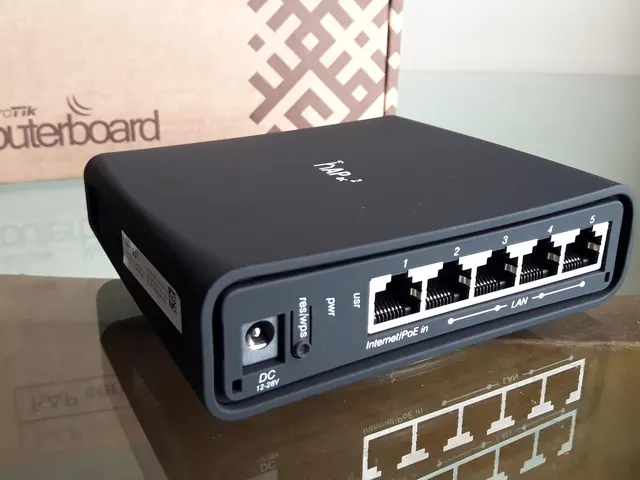
MikroTik routerPhoto: Uhernandez, CC BY 3.0 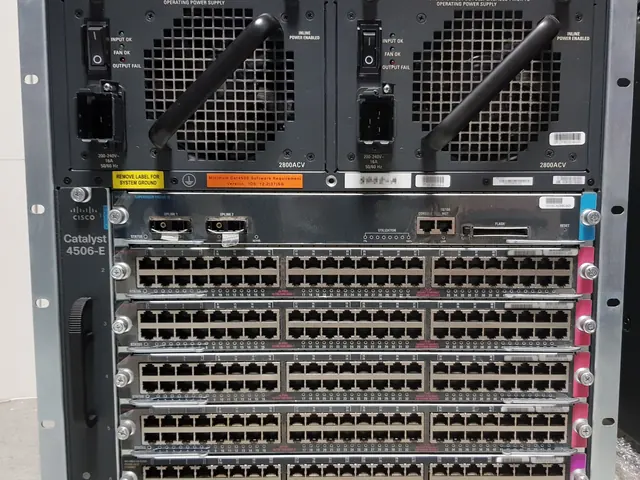
Cisco Catalyst switchPhoto: X-Javier, CC BY-SA 4.0 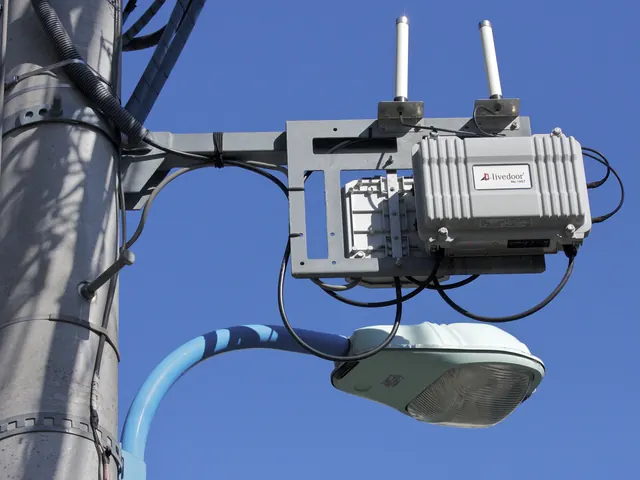
Outdoor Wi-Fi access pointPhoto: Maripo GODA, CC BY-SA 3.0 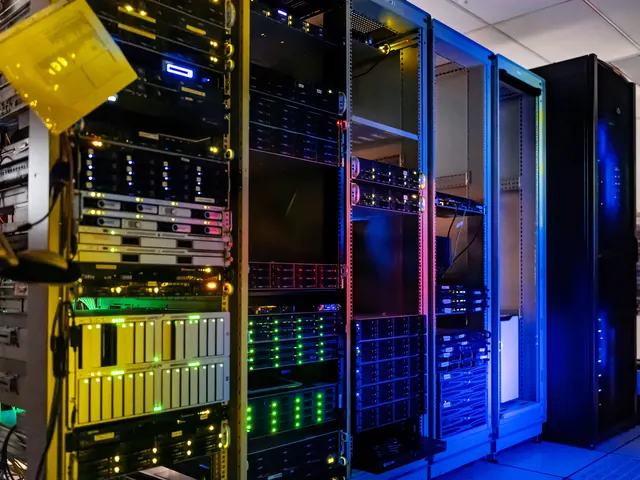
Servers in racksPhoto: NOIRLab/NSF/AURA/T. Slovinský, CC BY 4.0


.jpg)
Tell us what you need looked after.
A short call, then a signed scope. No testing before that.